Record from Kalimba
Play it, and Tines Studio tabs it out for you, rhythm, rests and chords included.
Play along on your real kalimba while Tines Studio listens and scores every note. Play a tune of your own and it writes the tab for you. Or just play: a full-screen kalimba, a tuner, a songbook and starter songs are built in.
Free starter songs. Works offline. No ads, no tracking.
Tines Studio is made for people who would rather play than read sheet music. Pick a song, follow the colors, and play along on your own kalimba at your own pace.
Play it, and Tines Studio tabs it out for you, rhythm, rests and chords included.
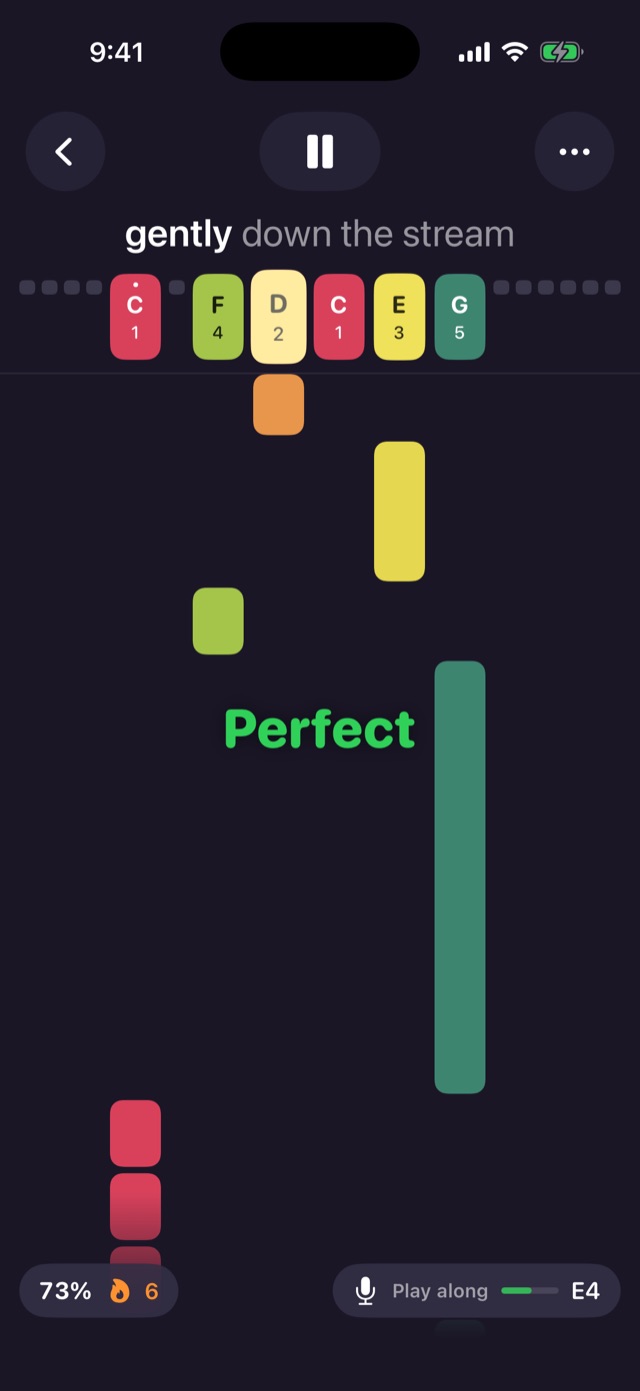
Play at tempo on your real kalimba. Every note is judged Perfect, Good or Miss, with stars and a best score for each song.
A built-in tuner checks each tine and tells you in plain words which way to tap it, until every tine turns green.
In wait mode the song pauses at each note until you play it on your kalimba. Learn a new tune one note at a time.
Notes glide toward tines colored and labeled to match your kalimba, with the lyrics lighting up syllable by syllable.
Tap the on-screen tines to enter notes. Hold a tine for a longer note, or press several at once to write a chord.
Hold a tine and it rings until you let go. One finger across two neighboring tines plays both, just like a thumb.
A simple number notation, the kind kalimba tabs already use. Paste a tab you found and it plays. See the notation.
Send any song by Messages or Mail as readable tab text. Friends paste it into Tines Studio and it arrives with its title, kalimba and tempo.
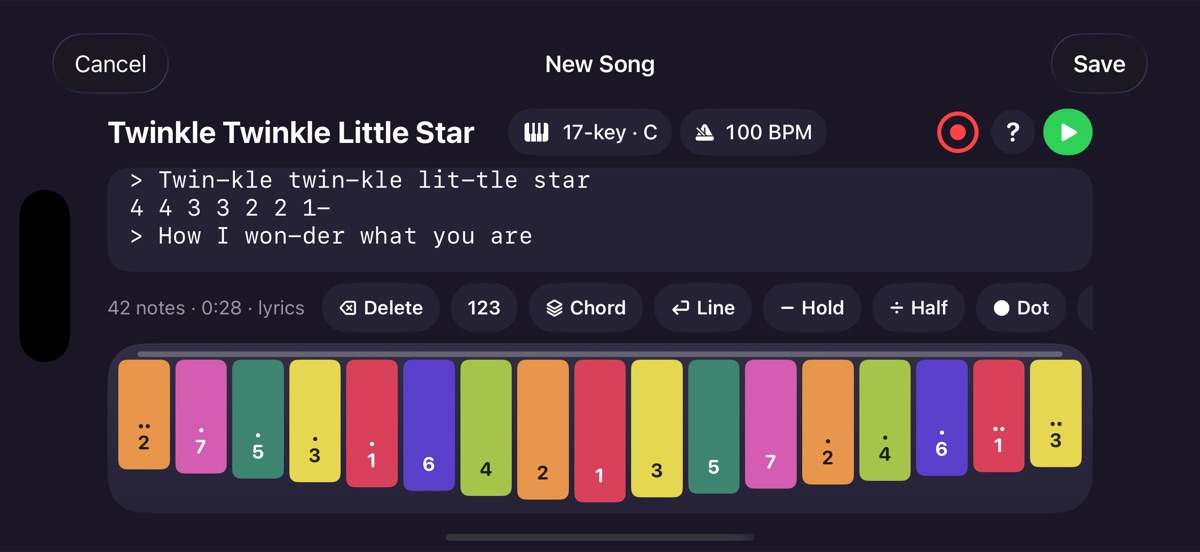
Turn your iPhone or iPad sideways and the tines span the full width of the screen, made for 17-, 21- and 34-key kalimbas.
Larger song cards, a kalimba that fills the big screen, and a wide editor layout when you hold it sideways.
8, 10, 17, 21 and 34 keys, in any key, with custom tunings for every tine, a reference pitch from A4 = 430 to 450 Hz, and a note length you choose.
Free Play opens a full-screen kalimba in any size and tuning, one tap from your library. Nothing is recorded or written down.
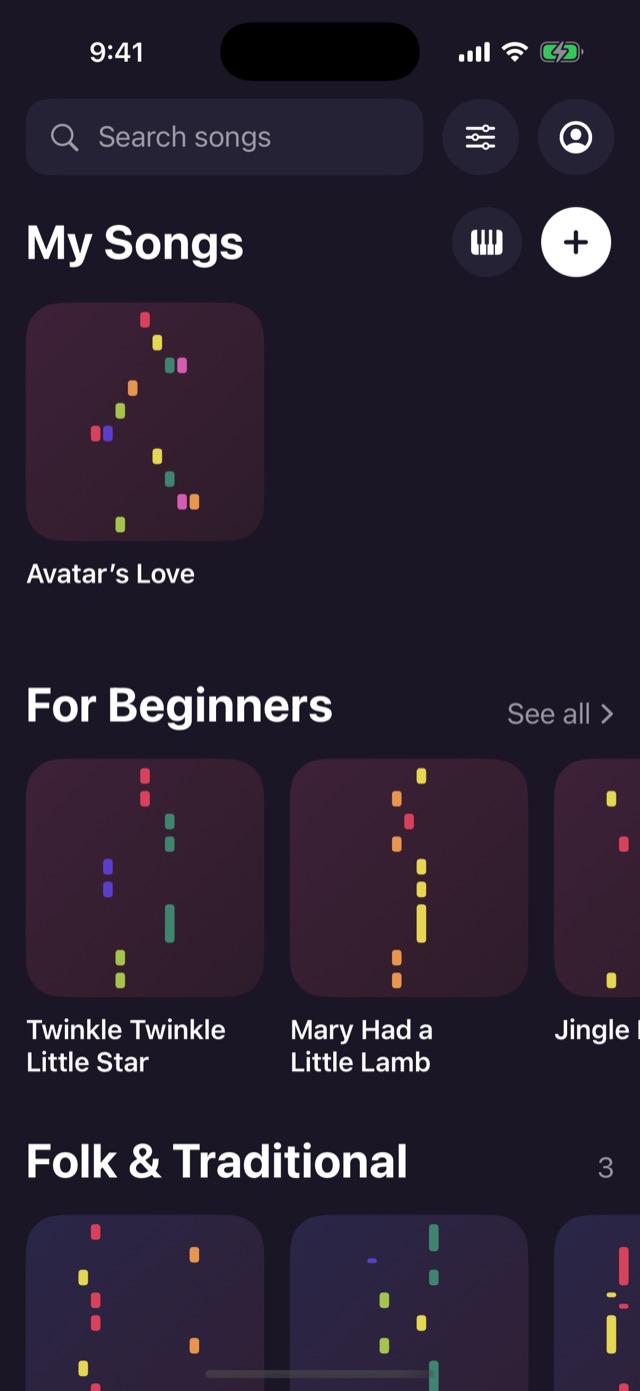
Twinkle Twinkle, Ode to Joy, Amazing Grace, Frère Jacques and more public-domain favorites, ready to play.
No account needed, no ads, no tracking, and your microphone audio never leaves your device. Sign in to sync songs across devices. Privacy policy.
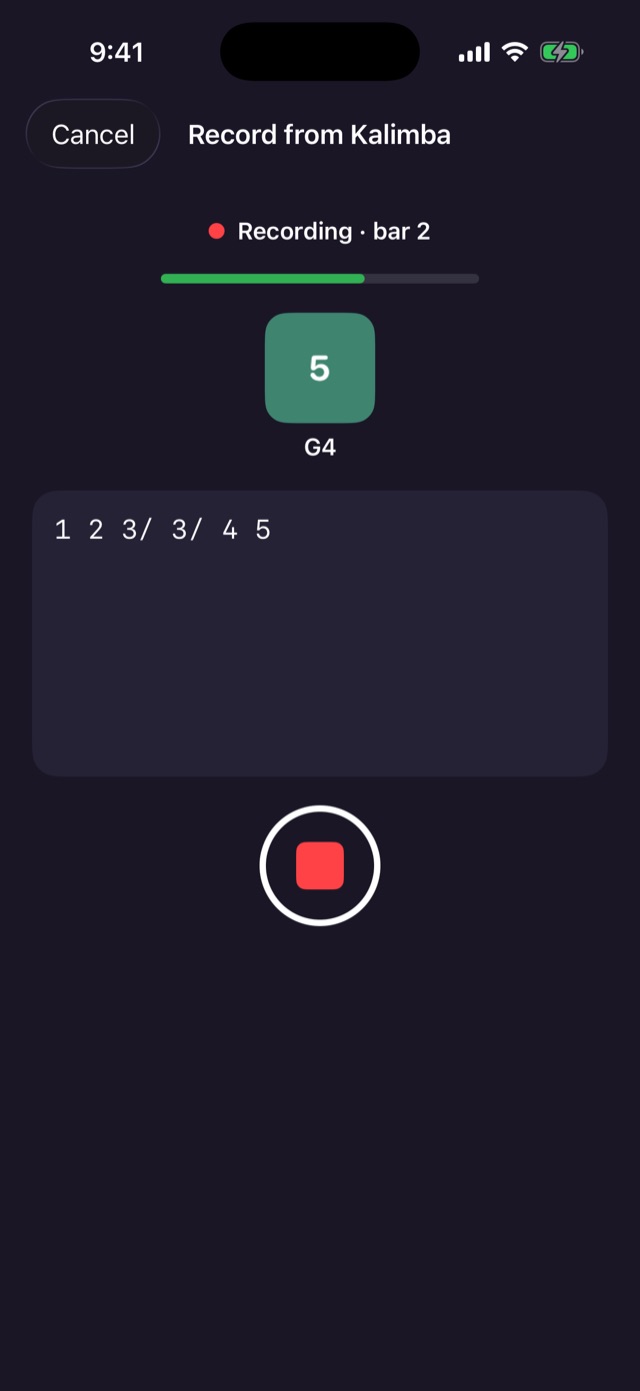
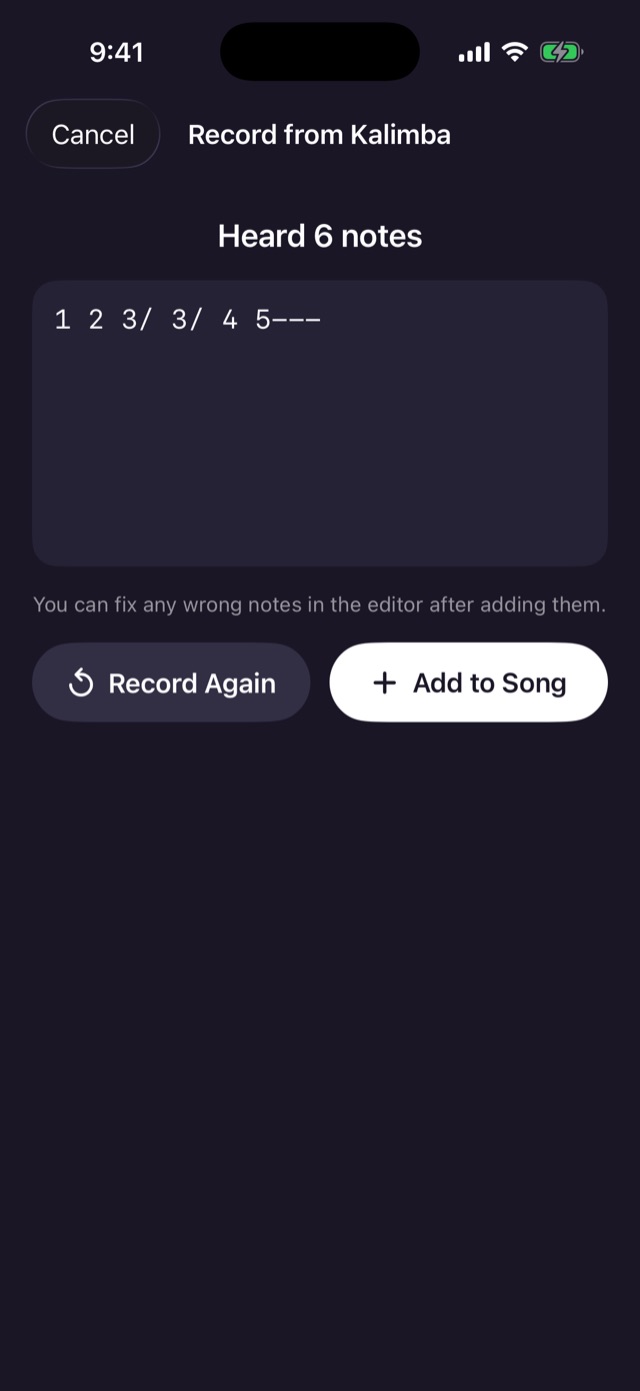
Worked out a tune by ear? Tap the record button in the song editor, pick a tempo, and just play. Tines Studio listens and writes the notation as you go.
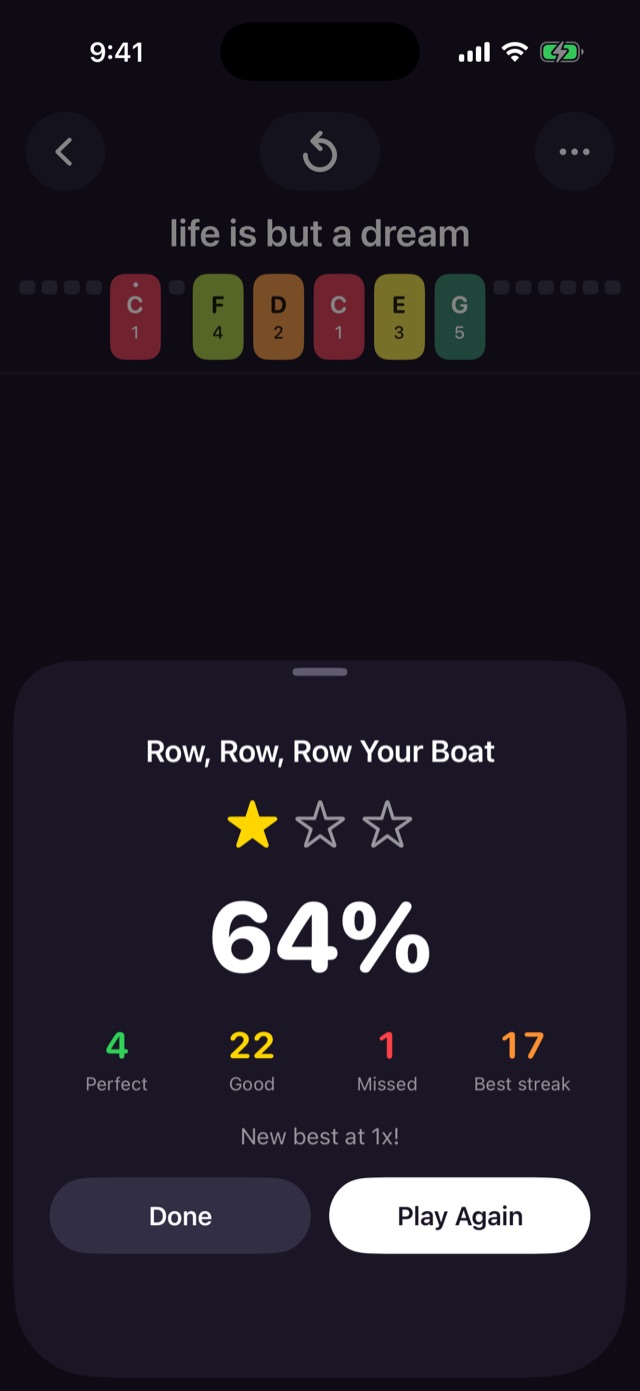
Turn on the microphone, pick a speed, and play your real kalimba while the song scrolls. After a four-beat count-in, every note is judged as it passes.
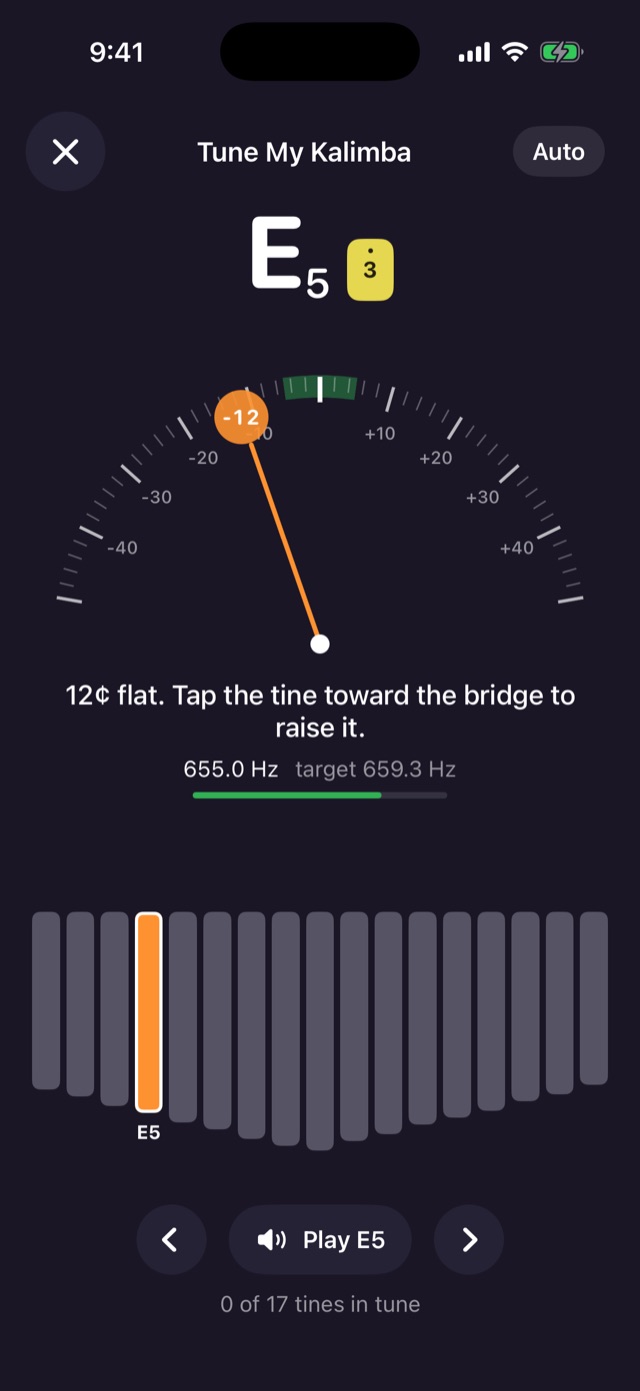
Kalimbas drift out of tune. The built-in tuner knows your kalimba’s layout, custom tunings included, and walks you through it tine by tine.
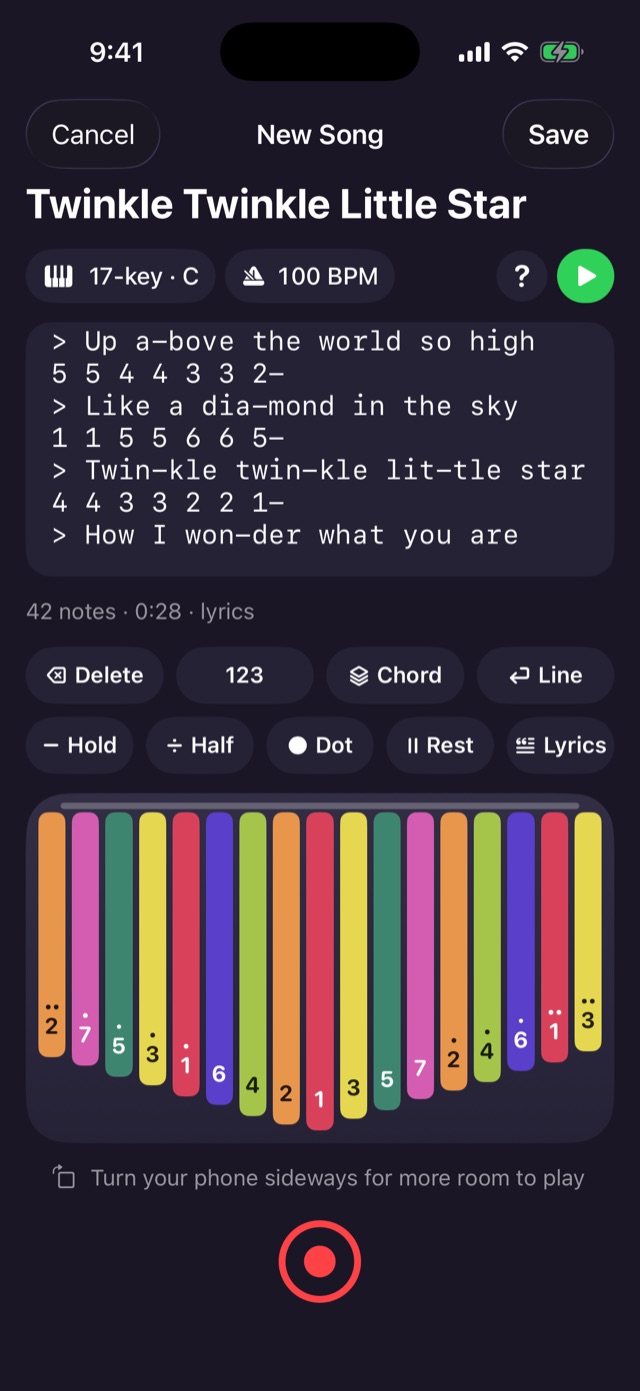
Found a tab online? Paste it in. Prefer to tap? Every edit button is on screen, and the notes follow along as you write.
1 1 5 5 6 6 5-
> Twin-kle twin-kle lit-tle star
4 4 3 3 2 2 1-
> How I won-der what you are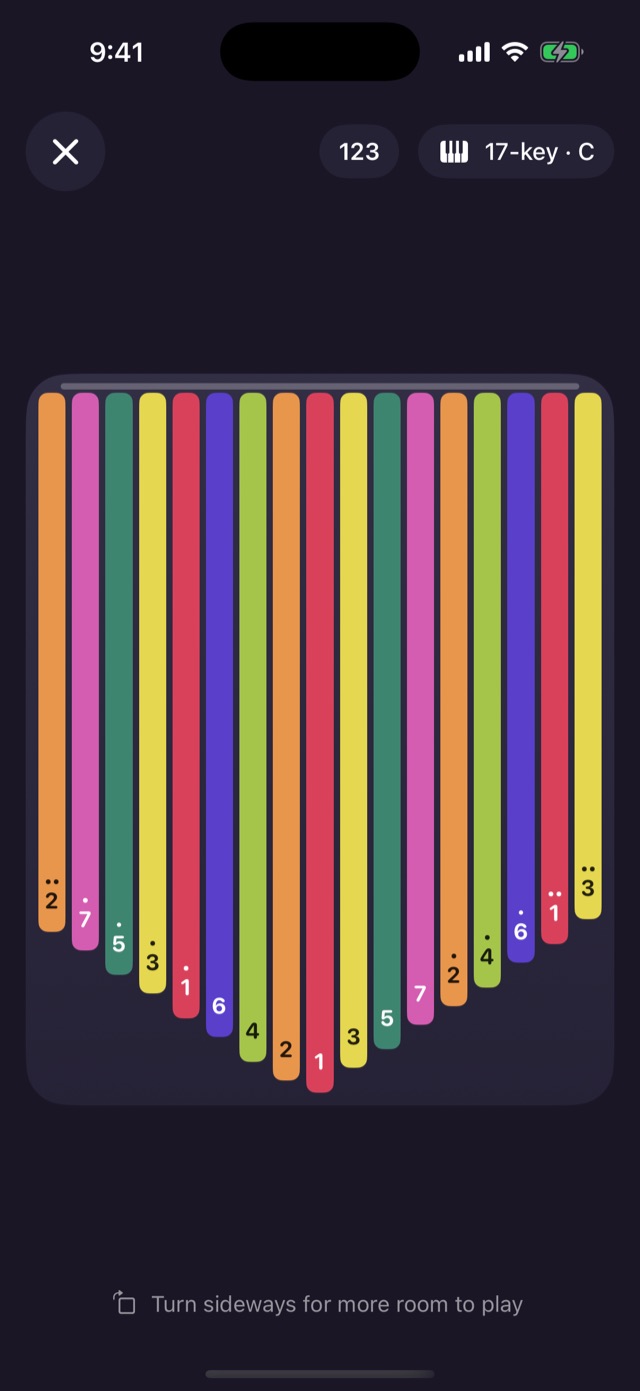
Sometimes you just want to play. Tap the kalimba button next to + in My Songs for a full-screen kalimba. Nothing is recorded or written down.
5---.(1 3 5).Tines Studio runs natively on iPad mini, iPad Air and iPad Pro, in every orientation. Song cards get bigger, the kalimba fills the screen, and the editor spreads out when you hold it sideways.
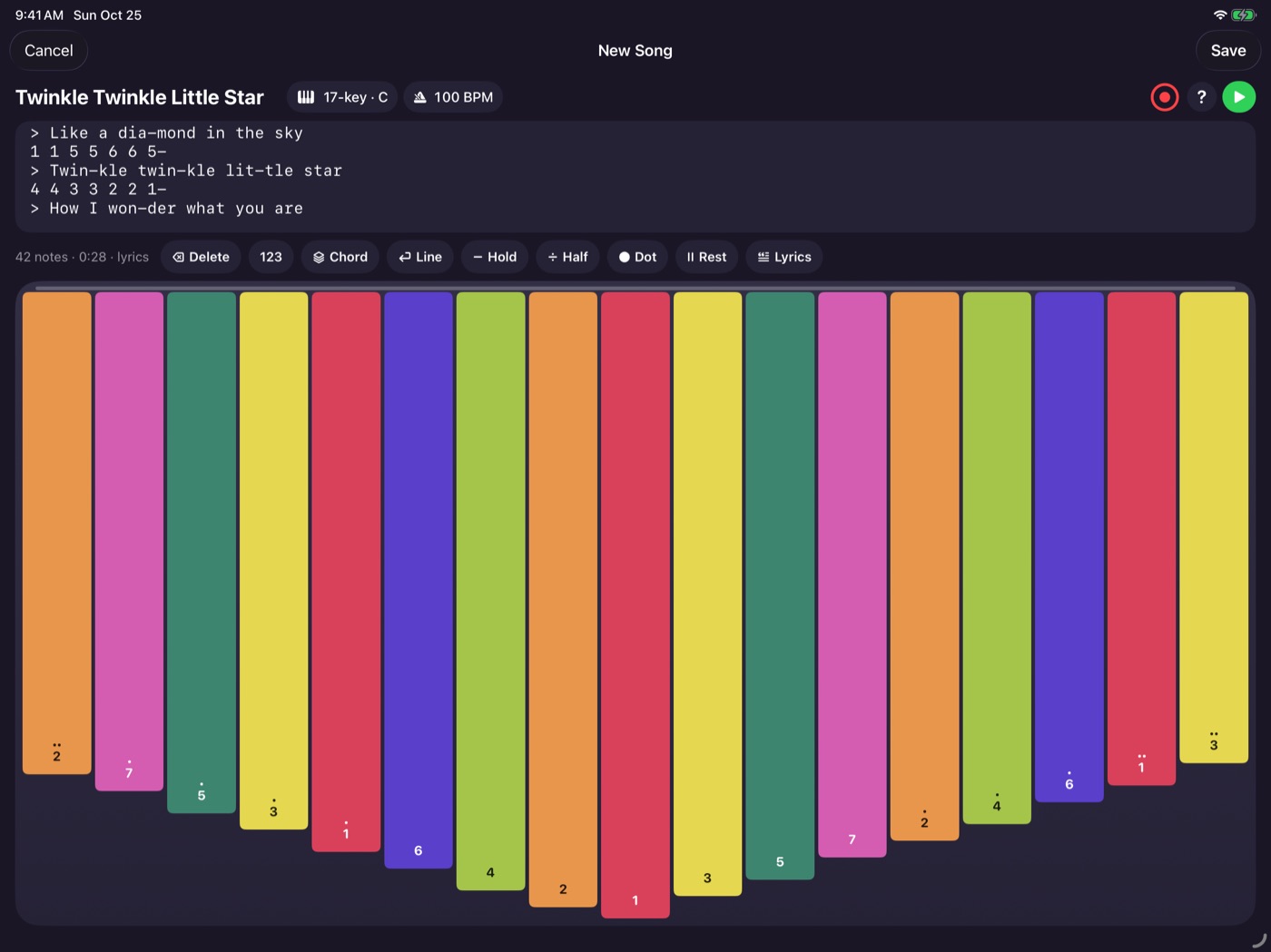
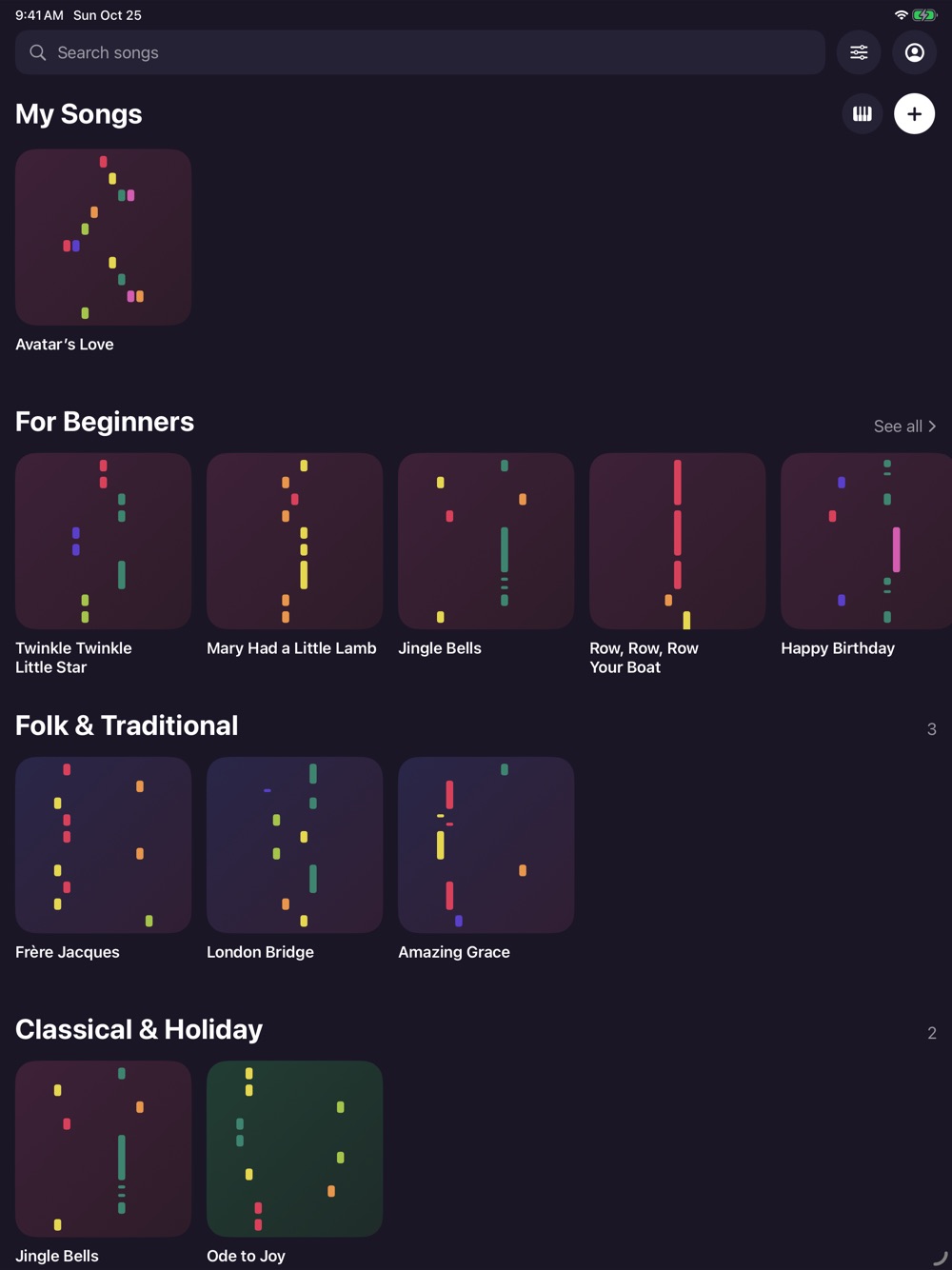
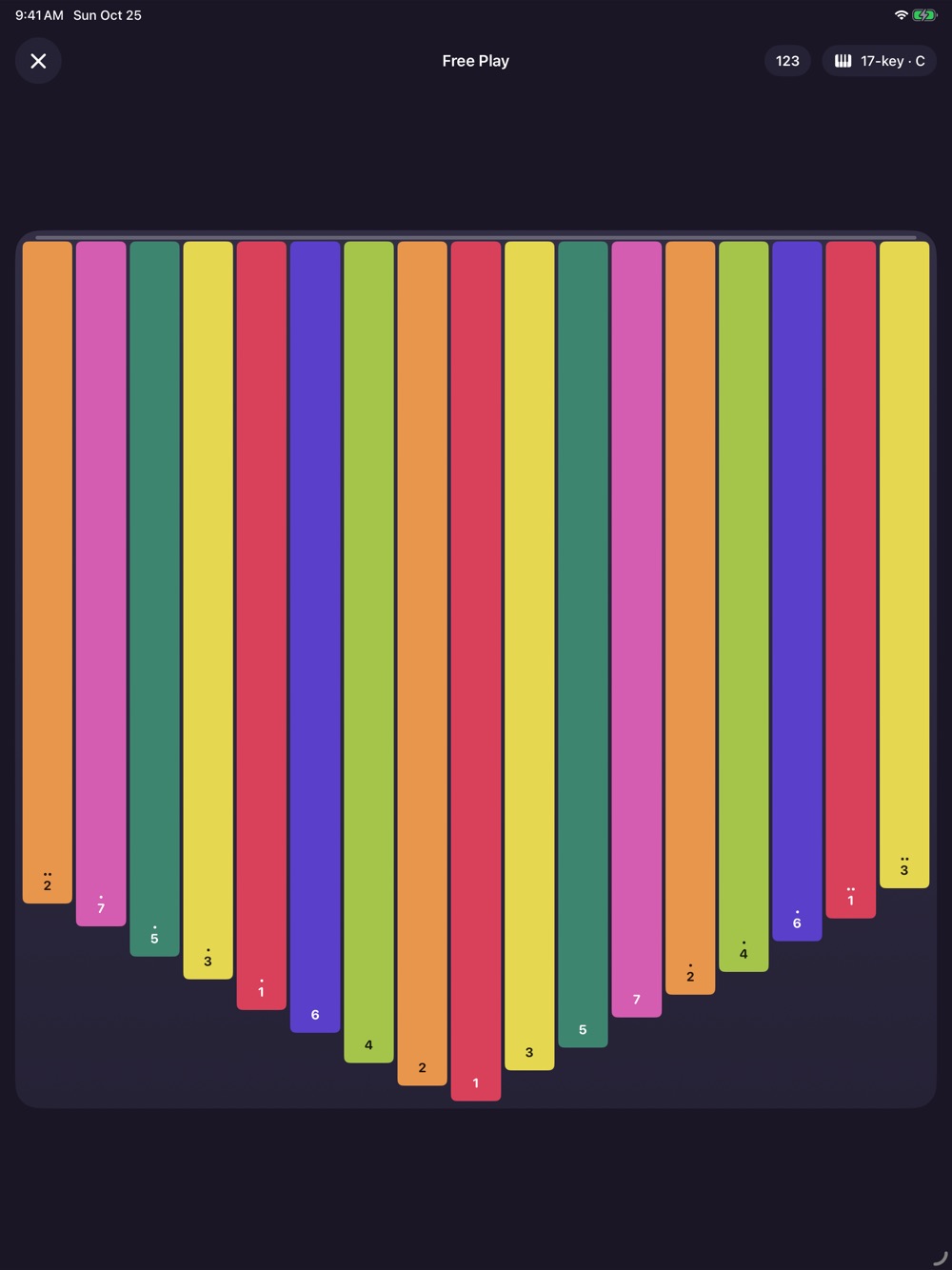
Turn your iPhone or iPad sideways and the tines stretch across the whole screen, in the editor, the player and Free Play. Perfect for 17-, 21- and 34-key kalimbas.

Tines Studio is on its way to the App Store for iPhone and iPad. Starter songs are included, and you don’t need an account.
Coming soon to theApp Store